Processing Your Raw Images with Adobe Camera Raw and Lightroom
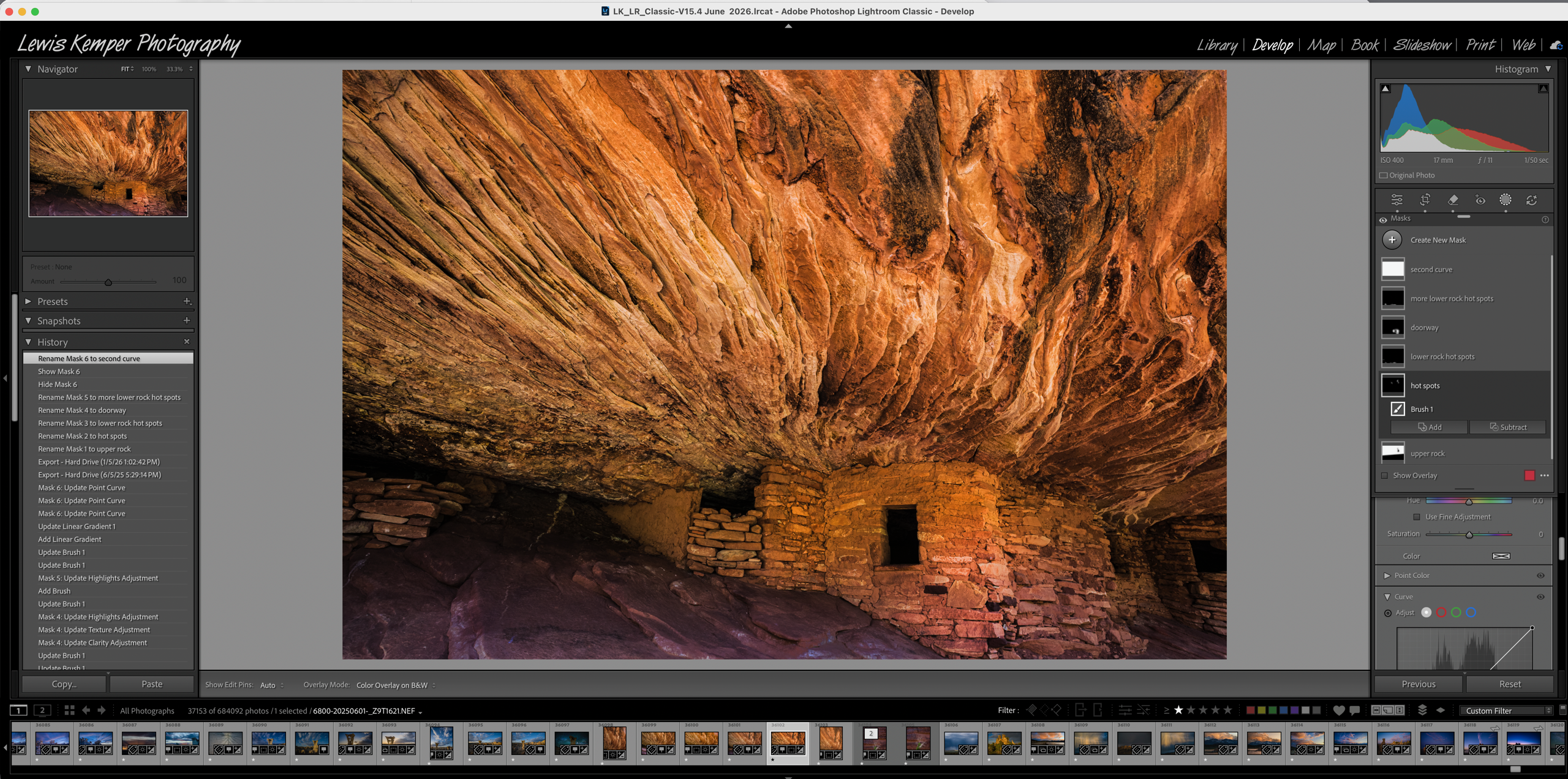
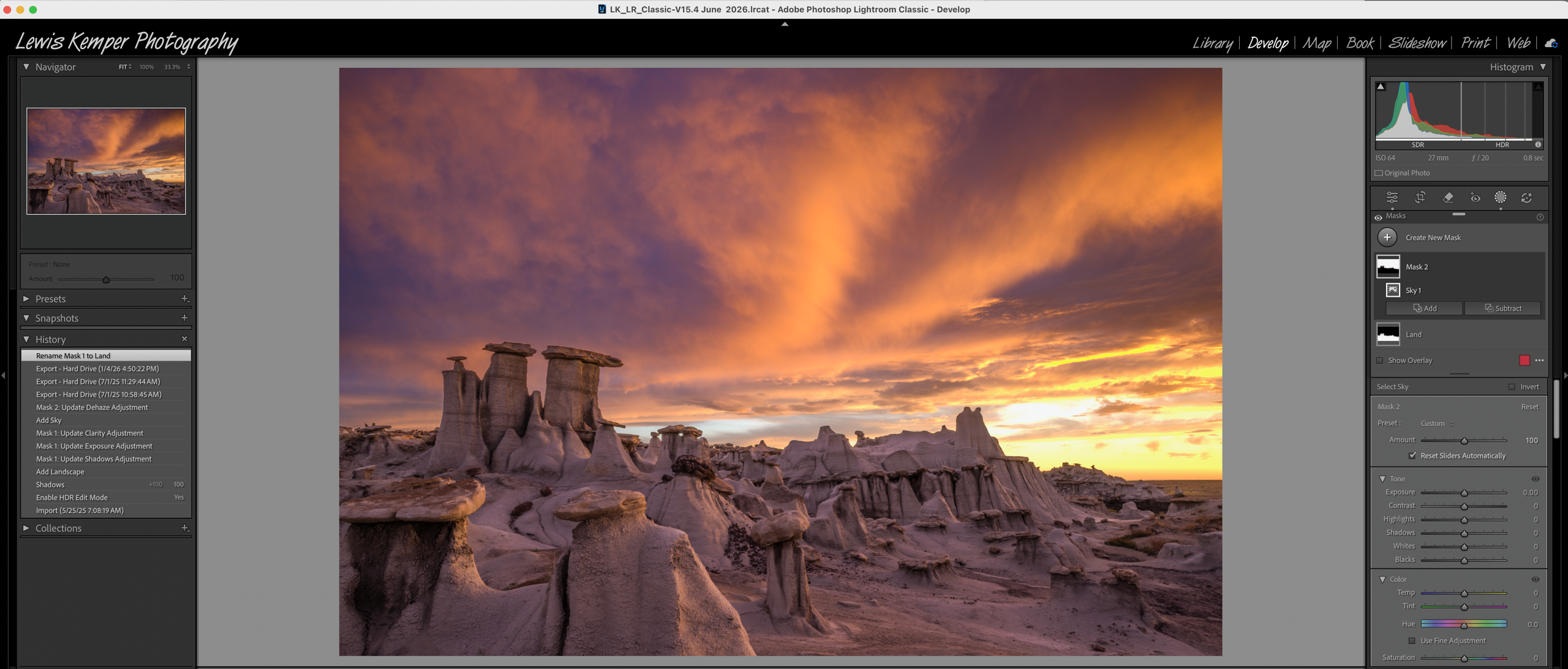
In this hands-on class, you will learn all about processing raw files and how to work with various masking tools to create the best image possible. And once you've refined your image, you'll print it on Viewpoint's printer! Each participant will leave with and 8 x 10 image of their choice.
The first two hours of class will include a lecture and demonstration by the instructor covering the tools you will need to process your raw files. You will then focus a portion of your time on hands-on activity, allowing you to take advantage of the powerful masking tools demonstrated to create the best possible image. You will learn about all the new features of these masking tools, which mask to choose, how to add and subtract to masks, how to intersect masks, and how to make the best adjustments. Then you will have one hour to work on a few of your images (participants are asked to bring 2-5 raw images they want to work on and their laptop or other device). The instructor will provide assistance as you create. At the end of the third hour, you will pick one of your images to have printed as an 8 x 10 on Viewpoint’s Canon GP 2000 large-format printer.
Not only will masking and processing be easier to understand, but you will also have a chance to try the techniques on your images with the instructor's help and go home with a print to hang on your wall!