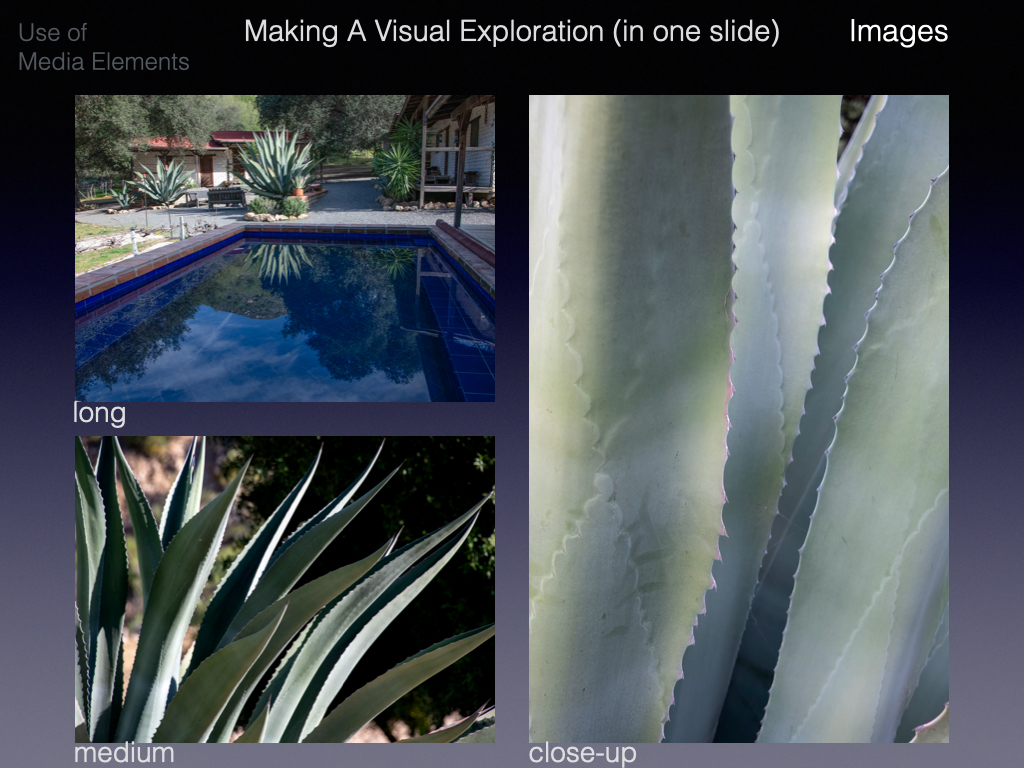
Apple’s Keynote Lets You Create Stunning Photographic Presentations
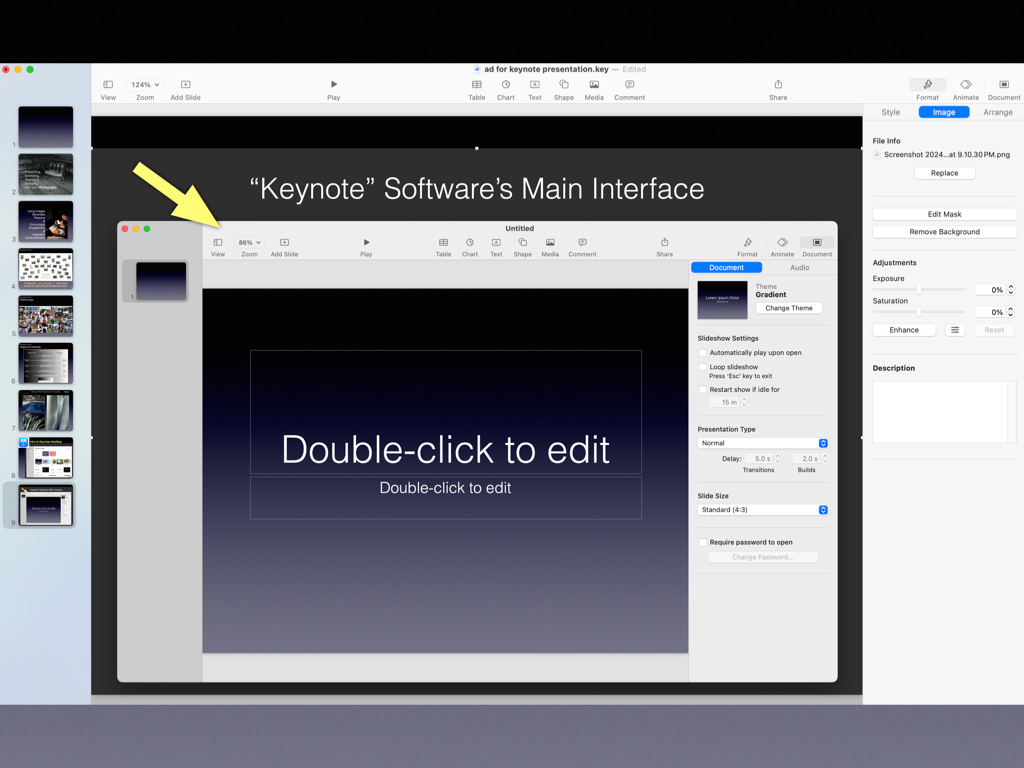
In this hands-on workshop, you will create your own Keynote presentation while learning about the many helpful and important features of this free Apple software.
Apple’s Keynote software allows you to create digital slideshows that may be used for posting online, professional presentations, or to capture a body of work or a series of images to share with others. Keynote is free software for use on Mac computers, iPhones, and iPads only. It is extremely versatile, fast to use, easy to learn, and specifically designed for photography, video, topography, and graphics.
Key topics and highlights:
- Introduction to Keynote’s capabilities and features
- Hands-on personal project—start to finish, where you will learn:
o How to build your story by creating visual paragraphs
o Choosing the right template for your project
o Importing images, music (sounds), and video clips
o Adding typography and generating supportive graphics
o How to creatively use slide transitions to communicate
o Organize and edit your final slides, thoughts, and timing
o Export visuals for use in many other applications
Other Keynote Highlights and Uses:
- Helps you create outstanding graphics and annotated images
- Webpages, social media posts, fliers, and stunning handouts
- Fine art posters or complex photomontages
- Large-format poster displays
- Resource for gallery exhibits, photo books, or visuals for telling stories
NOTE: Prior to the workshop, Keynote should be uploaded to your Mac computer and a project idea selected. You may download the app from the Apple App Store. If you have questions or need help prior to the workshop, contact Jim Wilson at jimwilson@invitinglight.com for help.